

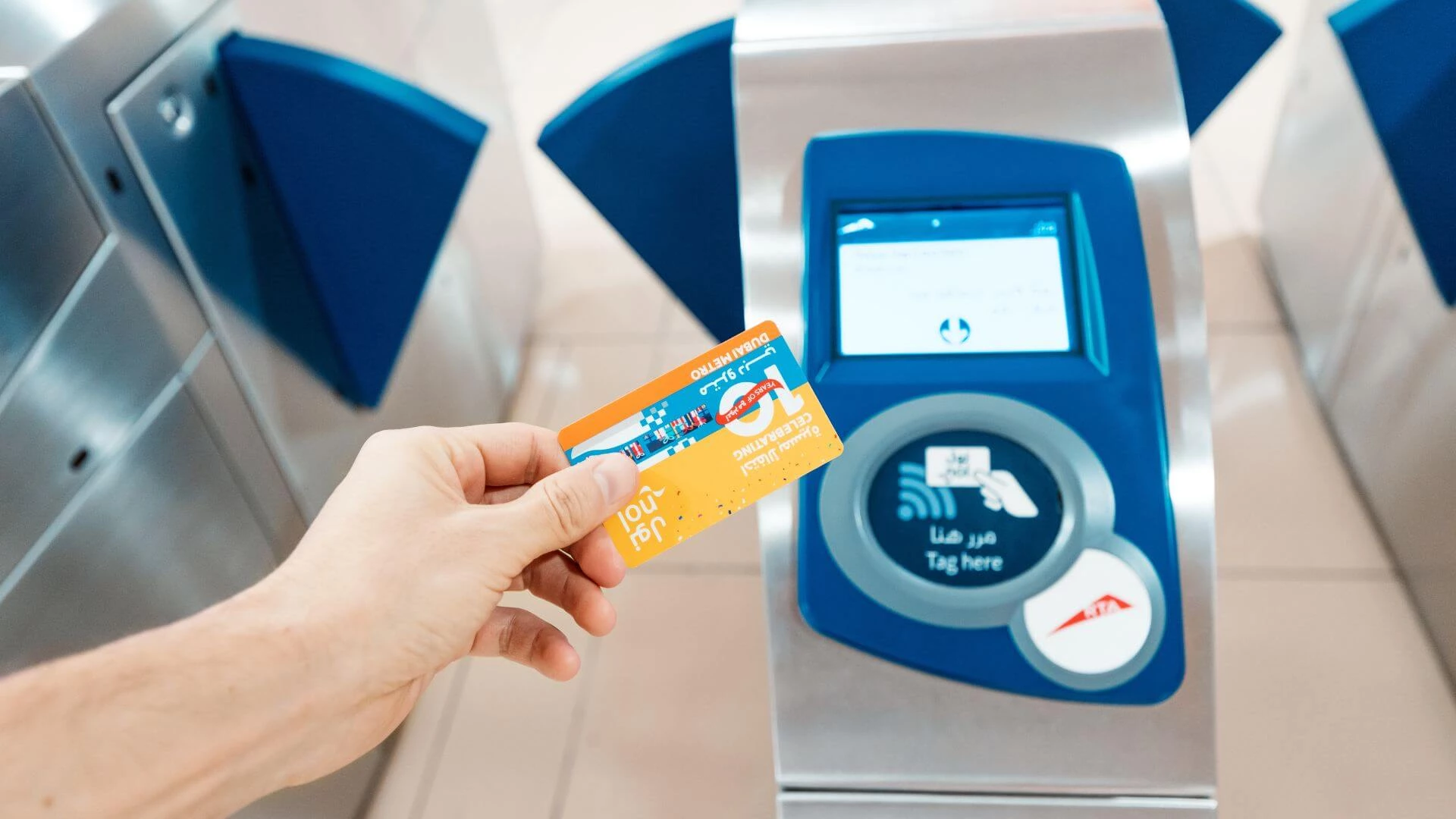
If you’re like us and could do without the hassle of carrying multiple cards and cash, you will be pleased to know that there is a one-stop card in Dubai. Meet the nol card.
This convenient card allows you to pay for everything from public transportation to entry to top tourist attractions, restaurants in Dubai, and more.
It’s essential to keep it regularly topped up, and fortunately, you don’t have to recharge it physically (though metro stations are still a handy place for a quick top-up).
There are multiple ways to add credit to your nol card, and we have gathered them all up for you right here.
How to top up your nol card
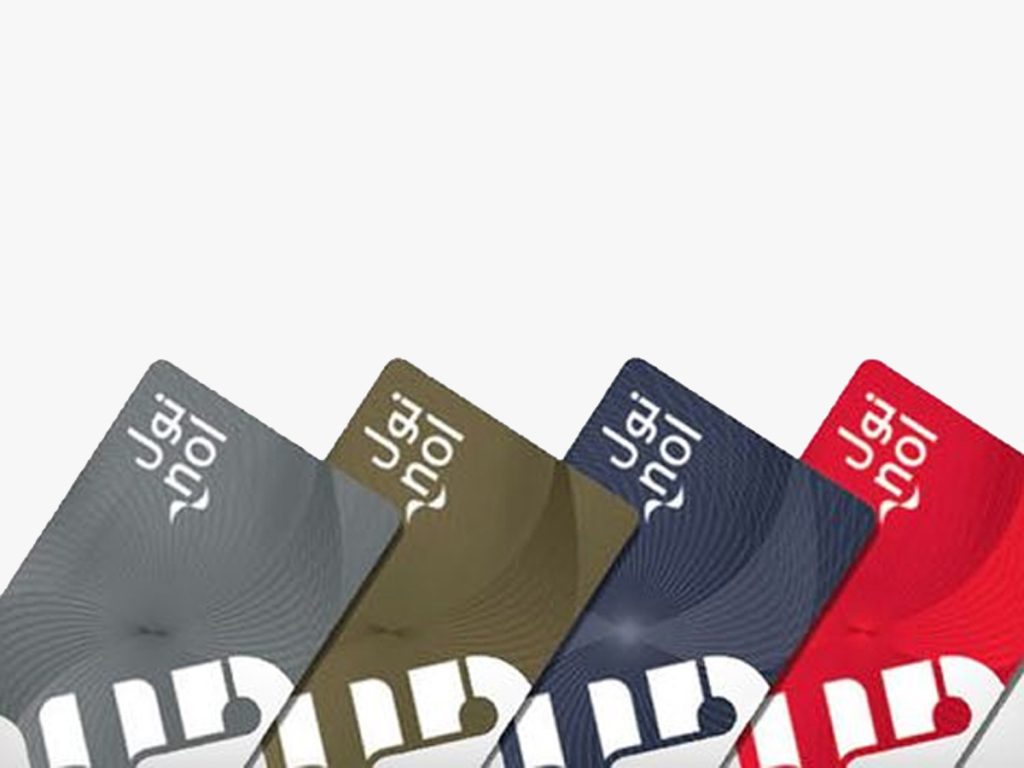
1) Bank mobile applications
If you’d prefer not to clutter your phone with apps, the good news is you can use your banking app to top up your nol card.
If you bank with Emirates NBD, Abu Dhabi Commercial Bank (ADCB) and Emirates Islamic, you can recharge your credit through the banking application for an additional fee of Dhs1.
2) Careem app
Careem is quickly becoming an ‘everything app’ with a range of options to make everyday life easier.
You can also top up your nol card via the Careem up by selecting ‘Bills and Recharge’ and filling out all the details. Find all the steps we’ve put together here.
3) Dubai Metro stations
You can conveniently top up your nol card at Dubai Metro stations around the city.
Use the ticket vending machine where you can buy tickets or nol cards and top up your nol credit. There is both a cash and a debit/credit card option.
Alternatively, you can also recharge at a ticket counter where someone can do it for you.
4) DubaiNow application
Powered by the Dubai Digital Authority, the dubainow app gives you access to over 170 government services, including easy ways to pay utility bills and top up your nol card.
For this option, log in with your UAE pass account. Select ‘bills’ and then ‘nol’, then follow the steps.
5) Grocery stores around Dubai
RTA has several top-up agents around the city where you can recharge your nol card. A number of grocery stores are included, as well as cafeterias and mini marts.
Use the RTA top-up agents map to find grocery stores with top-up stations near you.
6) nol Pay app

One of the easiest ways to top up your nol card while on-the-go is by using the nol Pay app. This option is available for most iPhones and Android devices equipped with NFC (near field communication) technology.
To use it, open the app and select the option for ‘Top up nol card’. Hold your card securely against the back of your smartphone, and once the app reads the data, you can remove it. Then, enter the amount you wish to top up and tap the ‘pay’ option. Fill in your debit or credit card details, and place the card at the back of your smartphone again to complete the top-up.
7) Petrol stations
When you’re filling up on petrol, why not top up your nol card, too? Recharge at petrol stations around the city, including ENOC, EPPCO, and Zoom stores.
8) RTA website
Another digital option to top up your nol card is via the RTA website. Simply enter your nol tag ID and registered email address, confirm and pay the amount.
The minimum balance you can top up with is Dhs7.50 and the maximum is Dhs1,000. You can also use the RTA Dubai app if you prefer.
9) Solar top-up machines at the bus stop
If you’re at the bus stop and realise you need to top up your card, you may be able to recharge at a solar top-up machine. These machines are only available at select bus stops and only accept cash. Find all the solar top-up machines in Dubai here.
10) S’Hail App
This nifty navigation app helps you to plan journeys around Dubai, gives you access to public transport and taxis, but did you know you can also top up your nol card via the app? Simply tap on the ‘Top up nol card’ option on the home page, enter your nol tag ID and email address and process the payment.
Now there’s no excuse not to be topped up and ready to go.
By by Aaqeelah Floris TimeOut Dubai


